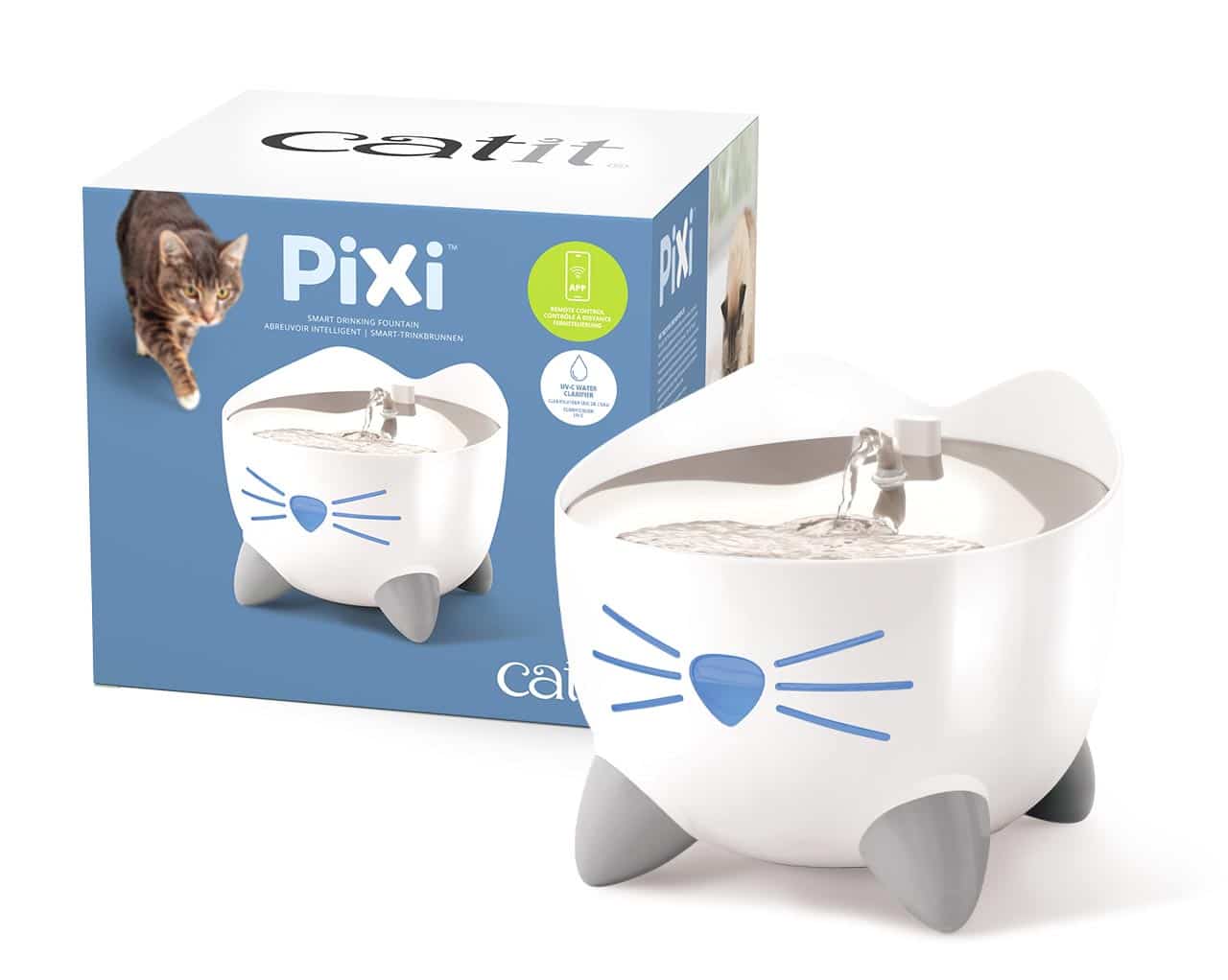
Consider the standard PIXI for simpler on-device use. Consider PIXI Smart if you will use its app controls and notifications and have compatible 2.4 GHz Wi-Fi.
The differences that affect everyday use
| Decision | PIXI | PIXI Smart |
|---|---|---|
| Controls | On-device operation | App features and remote control |
| Network setup | No app setup for ordinary use | 2.4 GHz Wi-Fi for connected features |
| Maintenance prompts | Check the fountain and instructions | App notifications supplement physical checks |
| Filter family | PIXI | PIXI |
Choose around a task, not the word smart
List the connected features you would use in a normal week. If remote settings or shared access would solve a real inconvenience, compare the Smart model's current price with that benefit in mind. If you expect to fill, inspect and operate the fountain directly, simpler controls may suit you better.
A notification is information, not physical care. Someone still needs to refill the reservoir and maintain the equipment. Consider who will do that when you are away and whether that person wants to use an app.
Checks before ordering
Confirm the exact version, plug and included components on the retailer's page. Some PIXI versions have different top materials. The standard product page also contains inconsistent capacity figures, so we have deliberately left capacity out of this comparison. Use your regional manual or ask Catit if capacity is central to your decision.
Compare the equipment price together with replacement supplies. We do not score reliability, measured noise or cleaning time because we have not tested these units. This comparison is based on documented features, with our decision criteria stated openly.
Ready to order the replacement?
Choose your equipment model and check the exact replacement name before ordering.
Find replacement filtersSources and updates
Research updated September 28, 2026.
- Catit: PIXI Drinking Fountain
- Catit: PIXI Smart Drinking Fountain
- Catit Canada: fountain filter families
We use published information rather than hands-on product testing. Check the selected product’s current details before buying. Our editorial approach · Report a correction